Project Showcase
NAPA
Complete web redesign project for the NAPA autoparts website
Overview
Napaonline.com is a retailer that provides users with automobile services and a variety of automobile replacement parts and accessories. 
Learn more
My Role: (Solo Project) Research, user flows, wireframing, visual design, prototyping
Design Tools: Figma, Photoshop
Duration: June-July 2023

The Problem

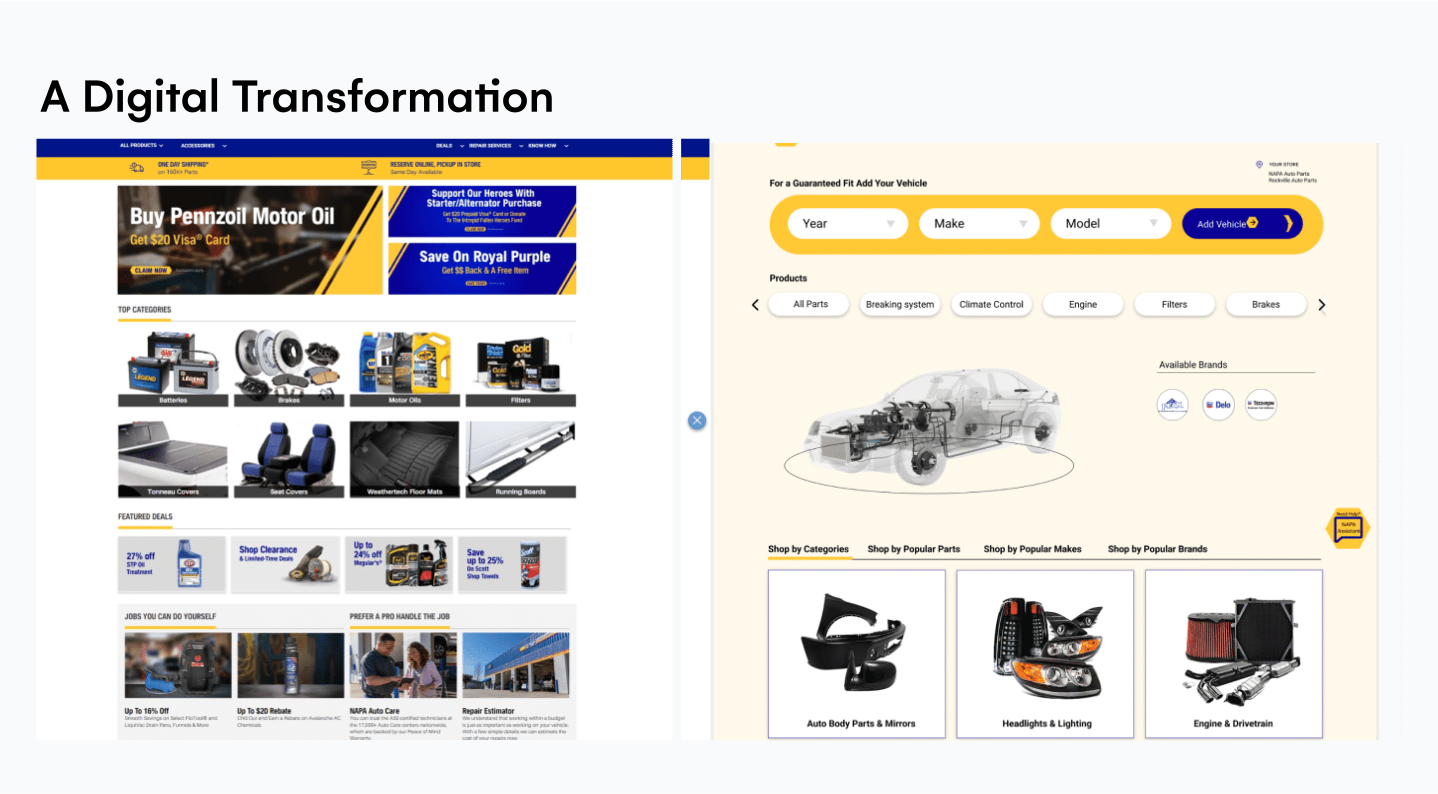
Car owners visit the Napa website looking for automotive parts and accessories, however they are challenged by a complicated user interface (complex menus, confusing categorization and navigation, and an overwhelming amount of information). Users find it difficult to navigate product catalogs, and there are limited filtering options, and a cumbersome checkout process that discourages them from completing purchases.

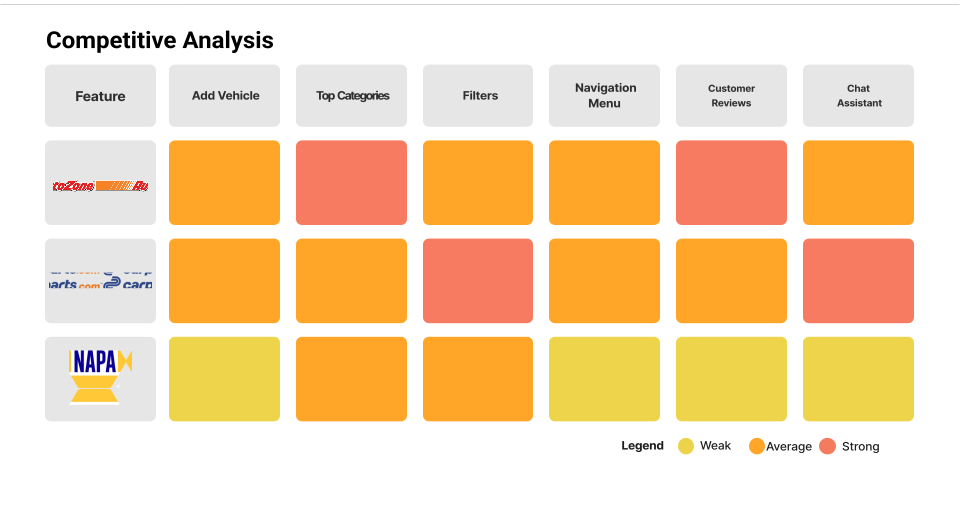
Competitive Analysis
User Interviews
Discussion Questions

You need new brakes for your car, You go on the NAPA website to find brakes that fit your car.
Walk me through how you go about finding parts for your car? How do you decide which part is best for your car? You mentioned you [do / don’t] always find what you need on a website. Why is that? i. Tell me more about that. ii. What do you consider the most important thing, when buying a part for your vehicle?  4. Do you usually do a price comparison between different retailers? How do you go about comparing products from your chosen website with others?

You have found the brakes you needed for your car,  you want to find a good deal or discount code and proceed to payment.
How do you go about finding a good deal ? Was there any deal that interested you? Why? How did you find the checkout process ? Was there anything you didn’t understand? Was there any missing information about your transaction?

It’s hard to choose a product and compare items “I should be able to list the items by reviews for example. But I haven't found that option yet. Since the website provides no reviews for multiple items.”
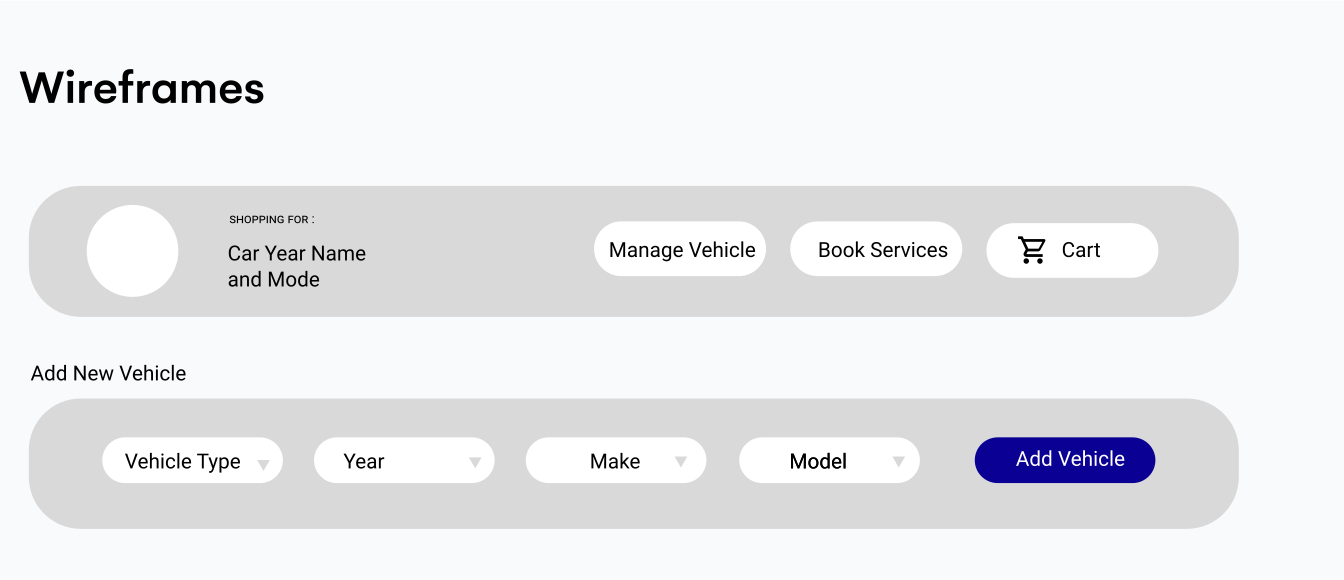
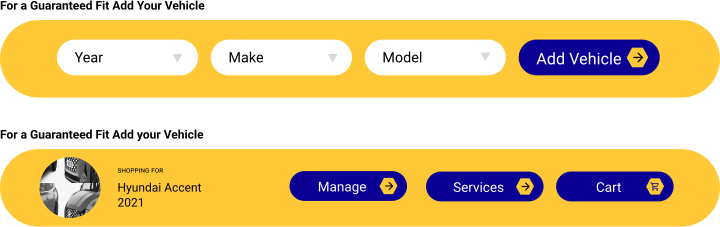
Add vehicle not noticeable for first time users “ First thing I thought of doing is typing in the search bar didn’t notice that I have to add a car first ”
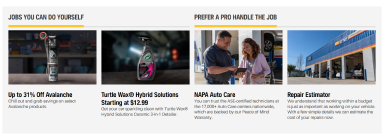
Booking services is not prominent
“I only noticed that they offer auto services, when I was browsing for deals”
Need to add more information about the return policy
“I didn’t see any information about return policy when completing the order”
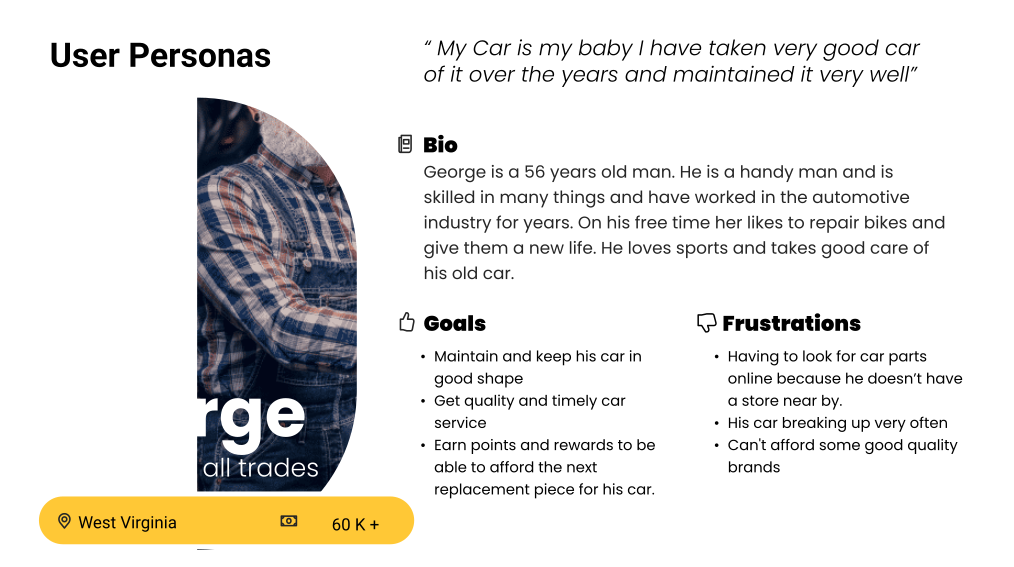
Who is the user ?
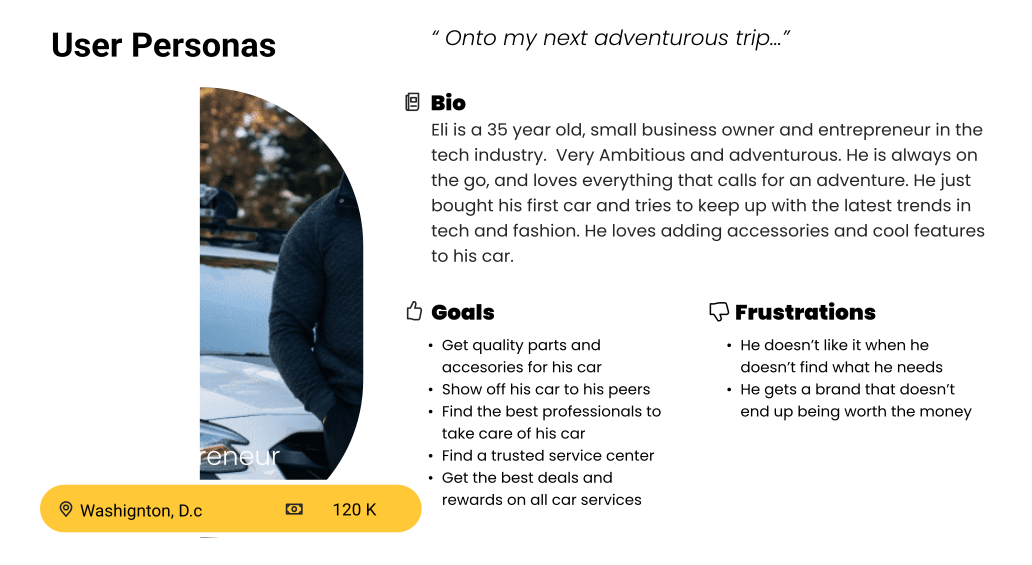
The 2 personas I chose are a representation of the 2 sets of participant I interviewed : The Car Expert who DIY’s his car maintenance The Newbie who is a car enthusiast but doesn’t know much about car parts
Let’s go on a journey with the user
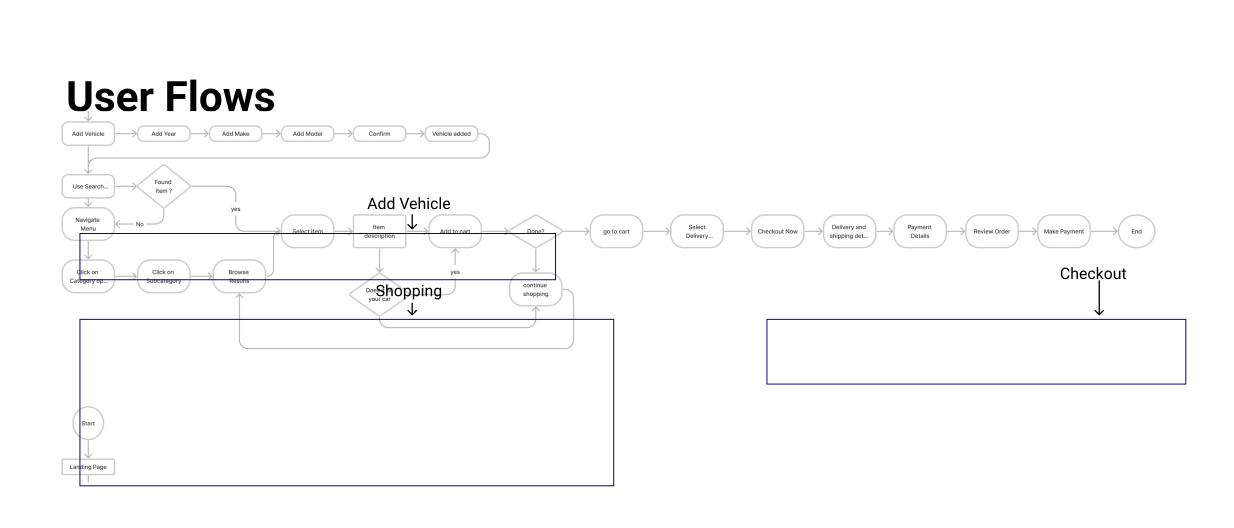
There are three main flows that the user goes thru as part of the NAPA experience. 1- Add a Vehicle to allow the user to browse for items that fit their car 2- Browsing and shopping for an item 3- Checkout process

Prototyping

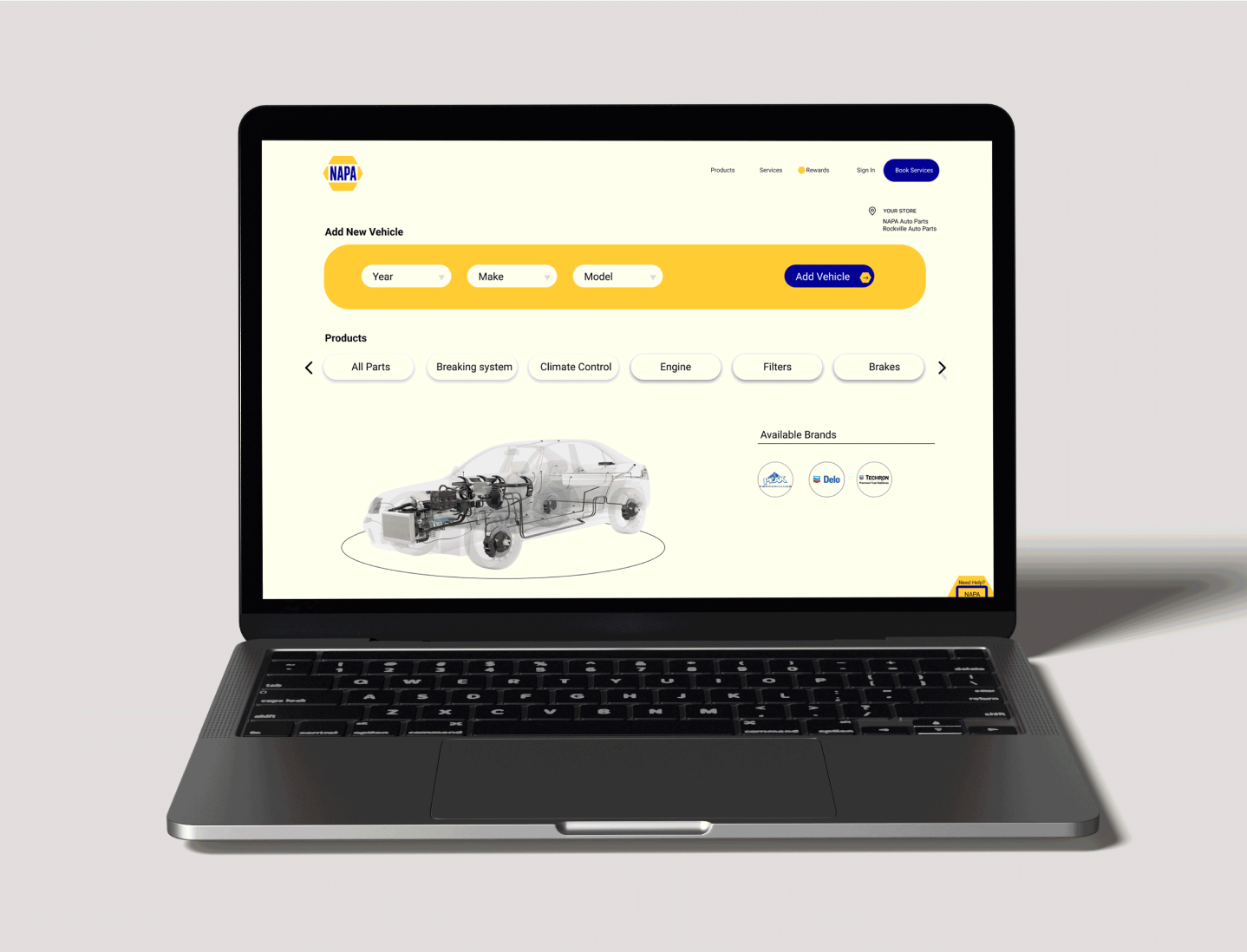
Add a Vehicle

Navigation Bar

Simplified
‍
Light background to focus attention on logo and button
Direct access to products and services

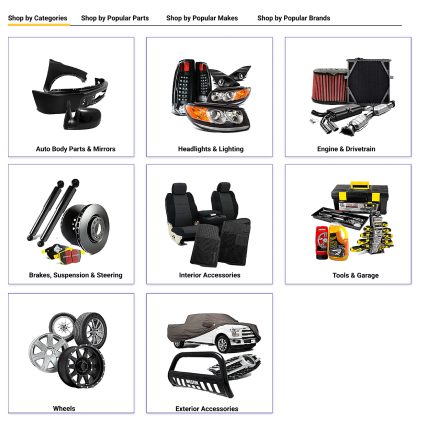
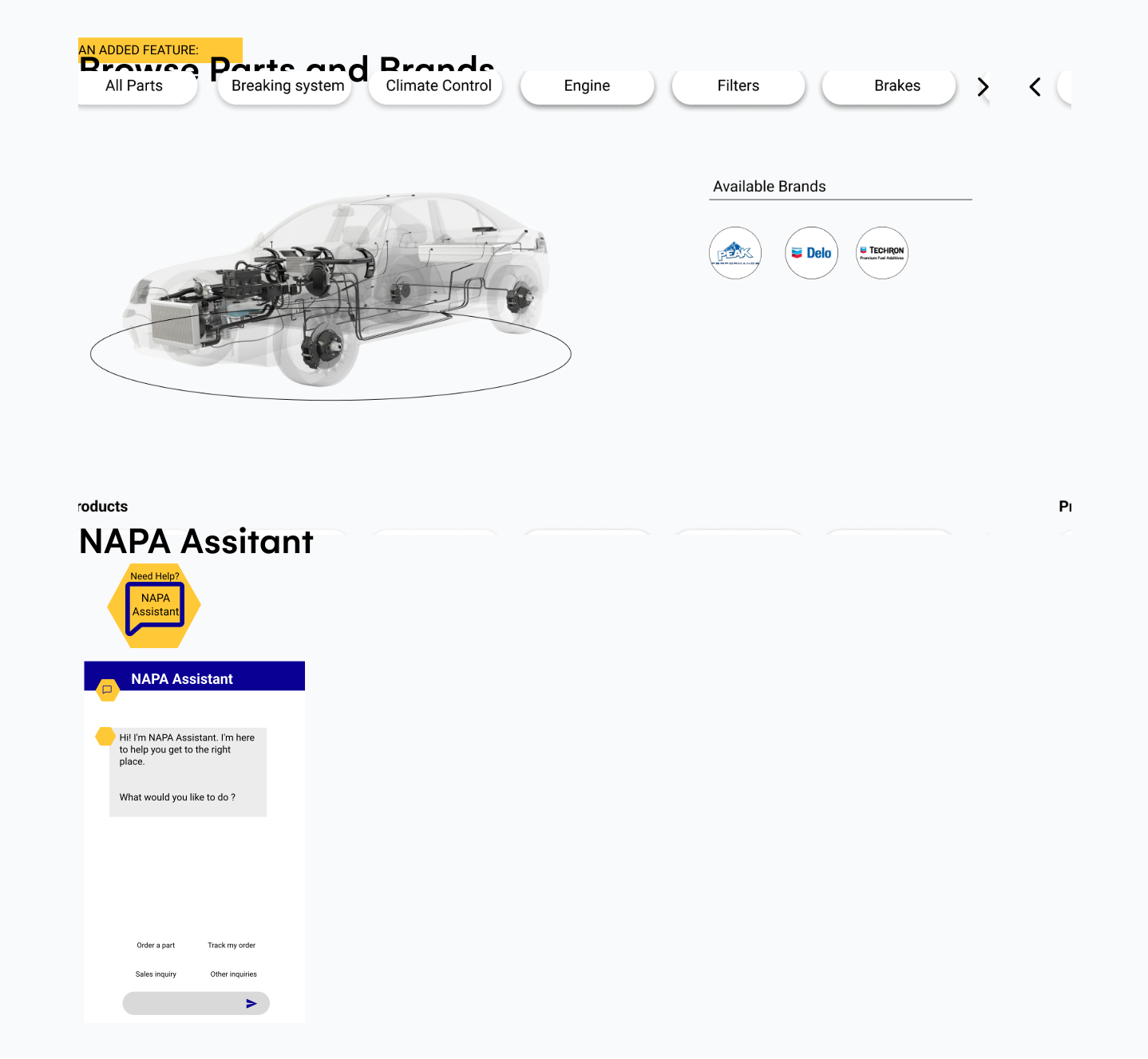
Browse By / Filtering Products

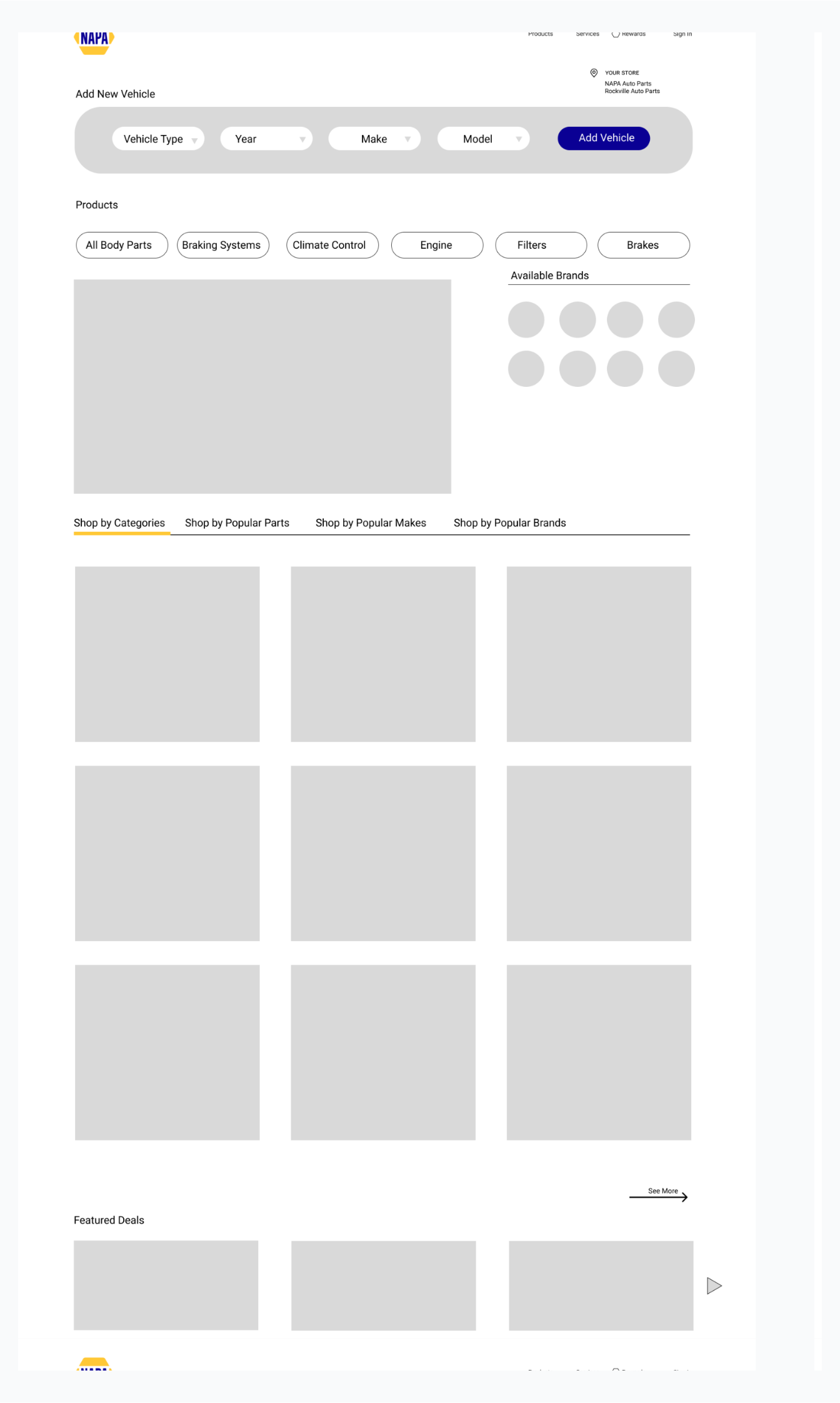
Options for browsing
Added tab bar for easy switching
Clear and descriptive image and titles

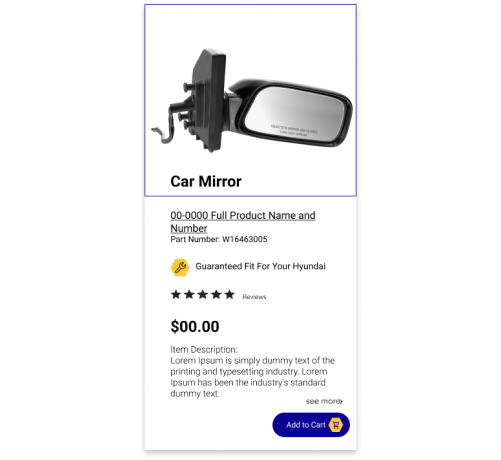
Products Cards

Clear and descriptive image and titles
Quick summary about product
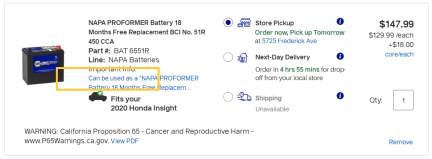
Highlighted guaranteed fit with specification of car type
Prominent add to cart button

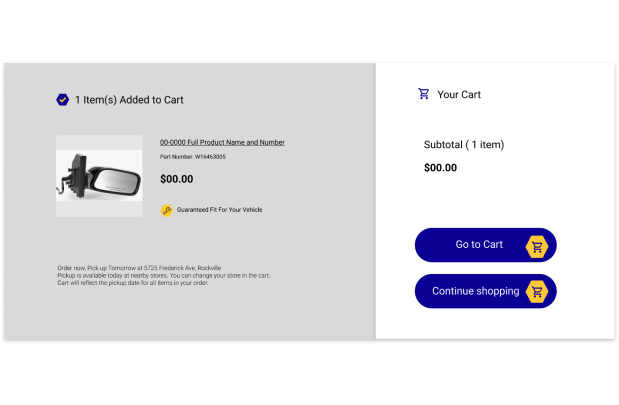
Add to Cart

Clear and descriptive image and titles
Quick summary about product
Highlighted guaranteed fit with specification of car type
Prominent add to cart button

Prototype
View Full Prototype